I came across another fascinating open-source tool called Obsidian.
I installed obsidian-remote using the Unraid docker app which had vault was under appdata which I do not prefer.
As I pondered, mounting my self-hosted Nextcloud share, I took a side-step and download Obsidian for windows.
Once installed, I opened my Nextcloud Notes folder and noticed that it was not reading my Docker .txt files.
To fix: I renamed all my .txt files to .md
Once files were renamed from .txt to .md – they immediately became available in Obsidian.
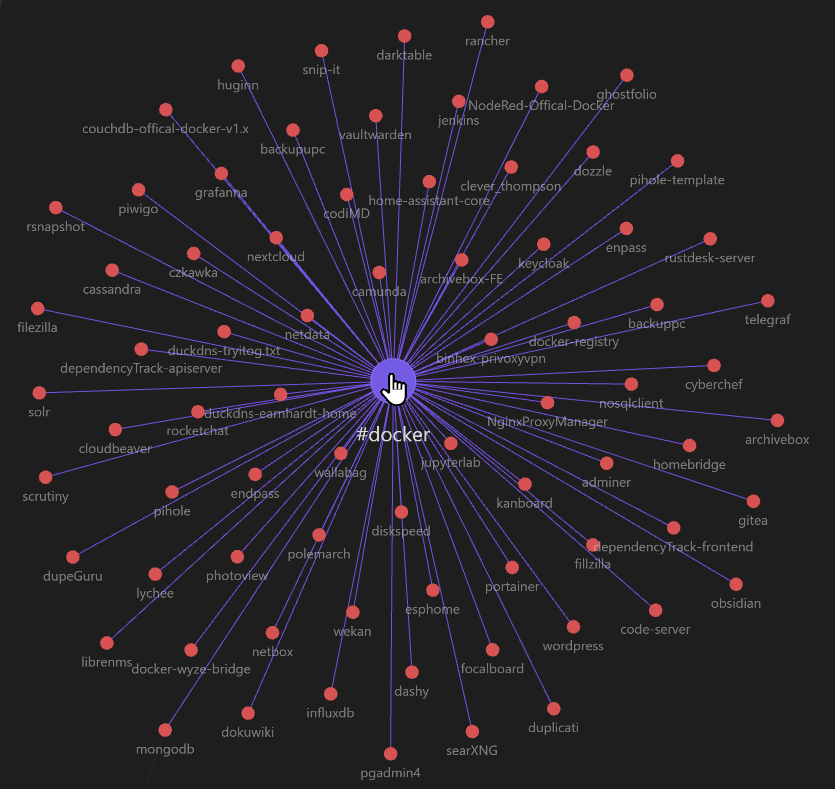
That was cool and the graph was nice, but nothing was related.
After doing some research, I wrote a python script to add new tag to each file.
Tag added was: #docker — See below new graphic show all related files with the #docker tag.