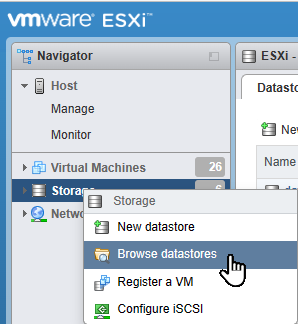
Download centos iso and upload to ESXi storage.

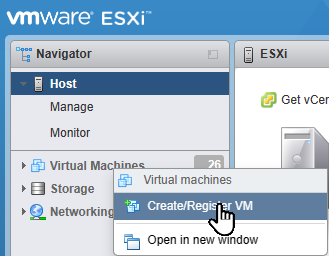
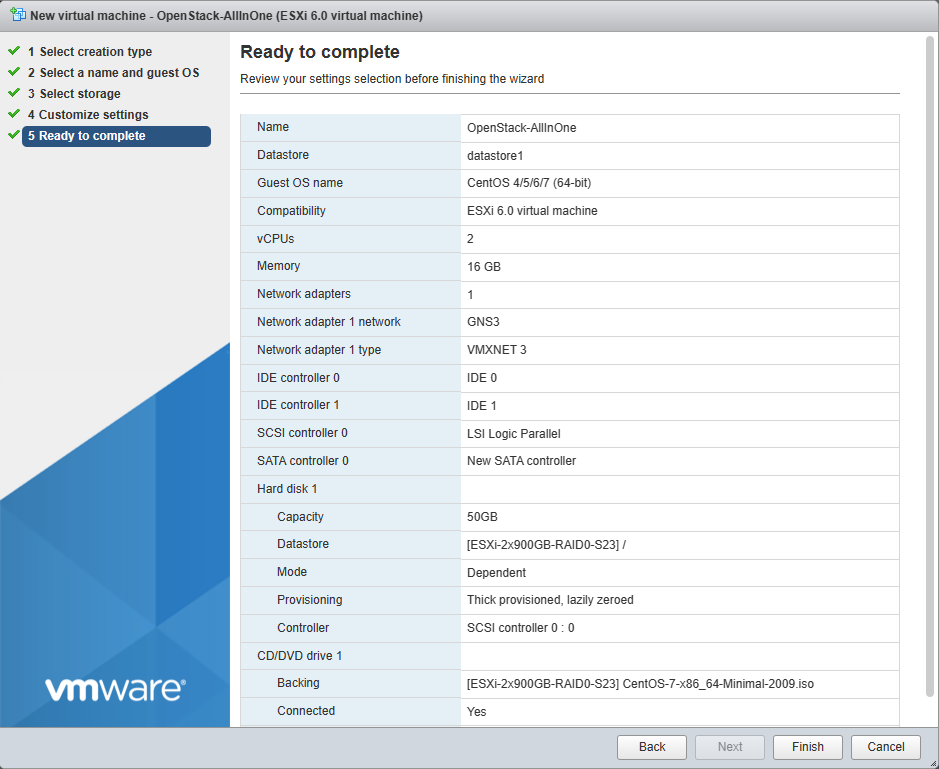
Create New Virtual Machine
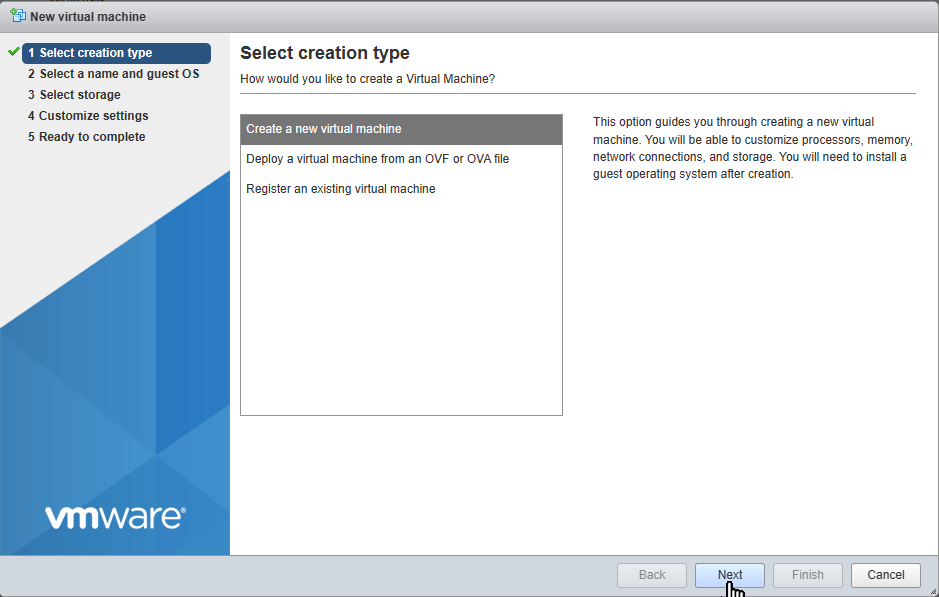
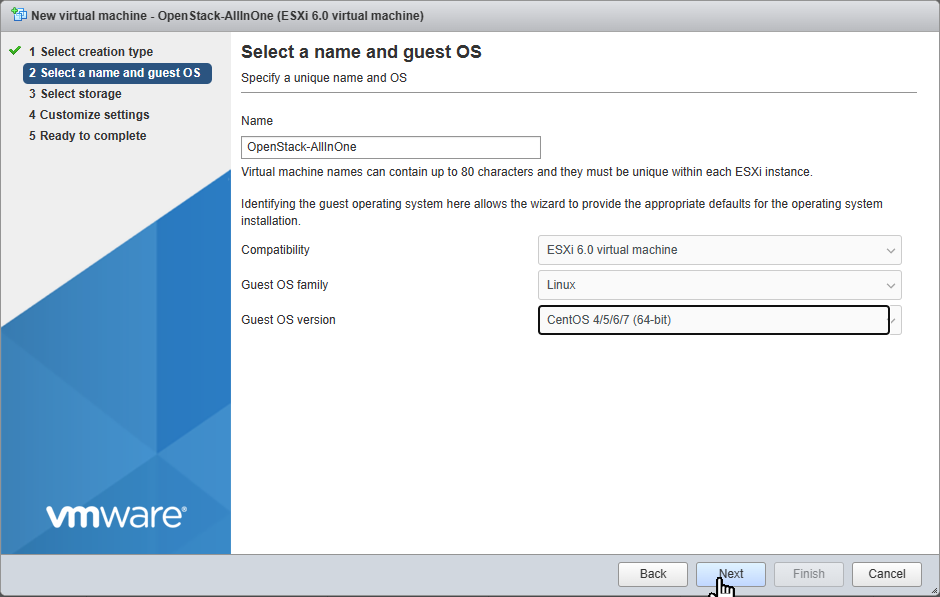
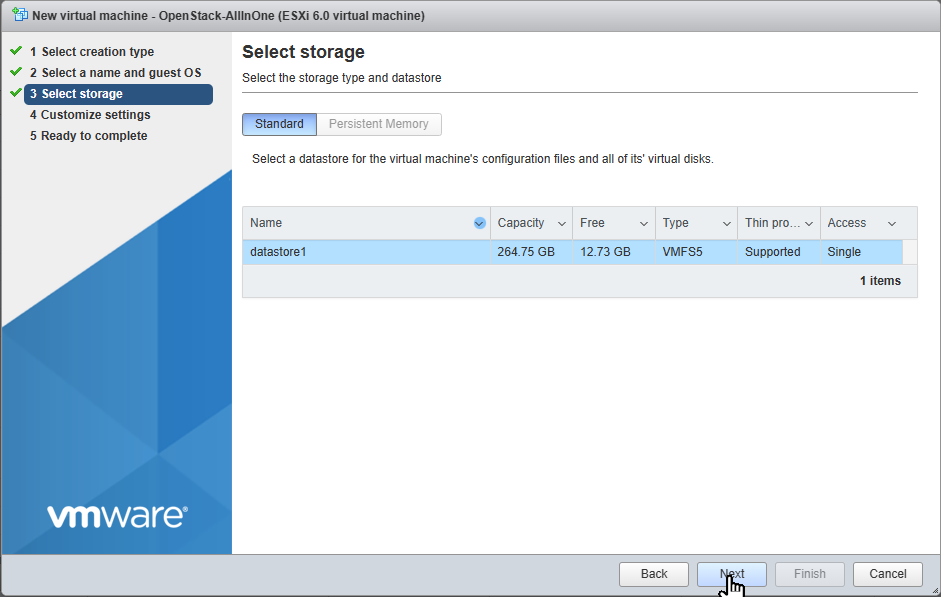
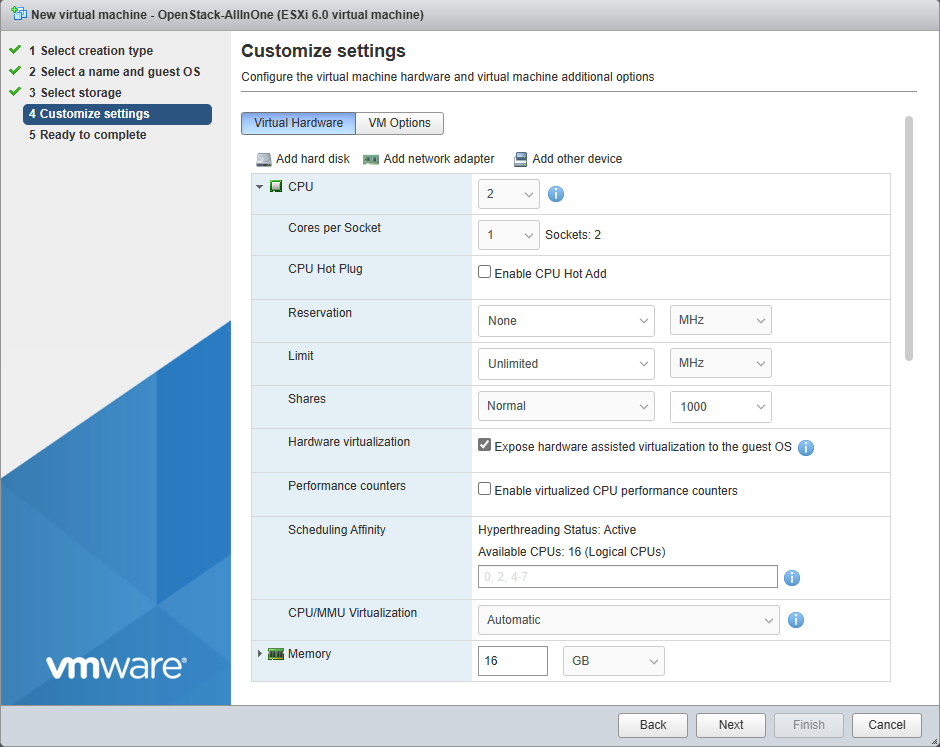
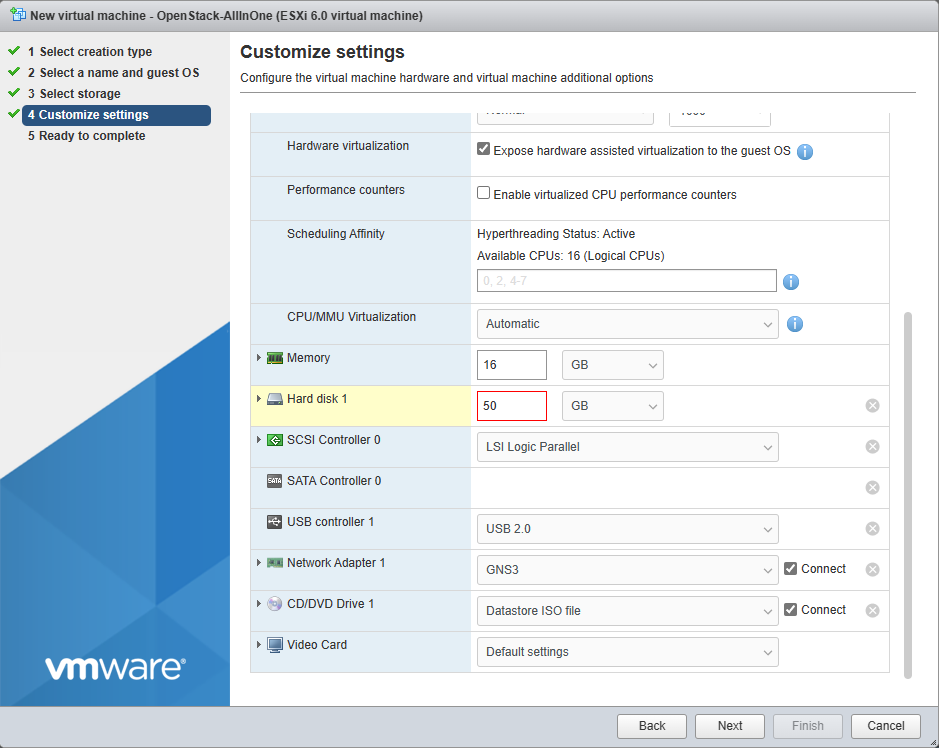
Connect downloaded ISO to CD/DVD

Start VM and Install CENTOS
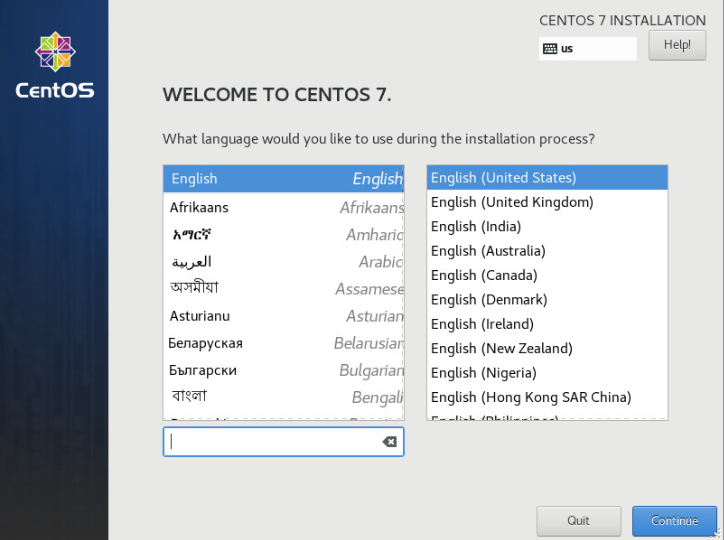
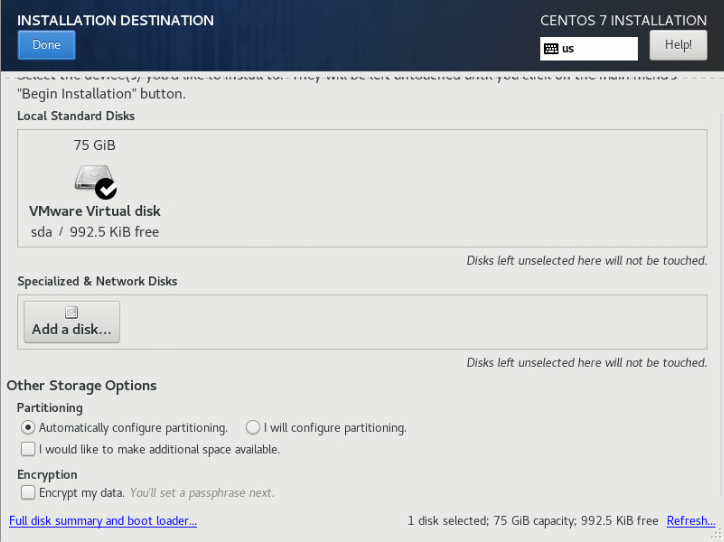
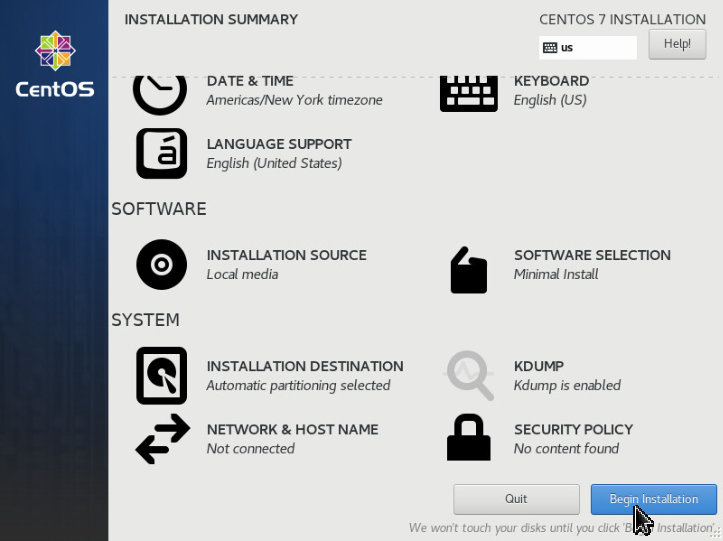
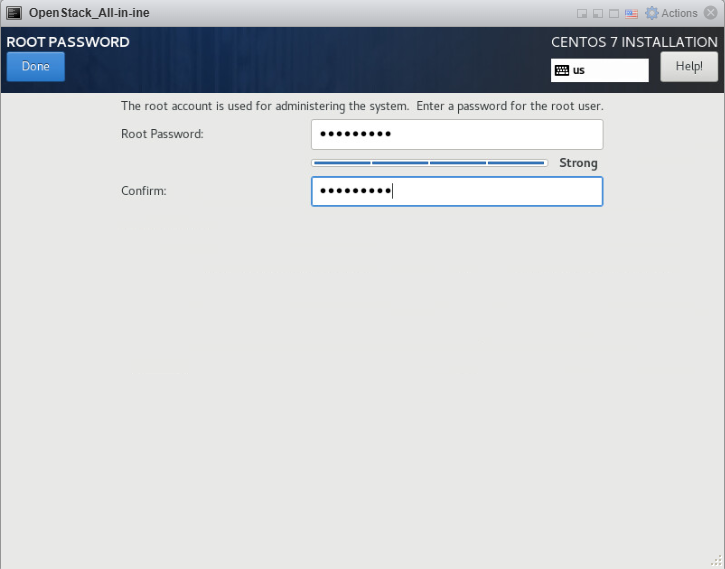
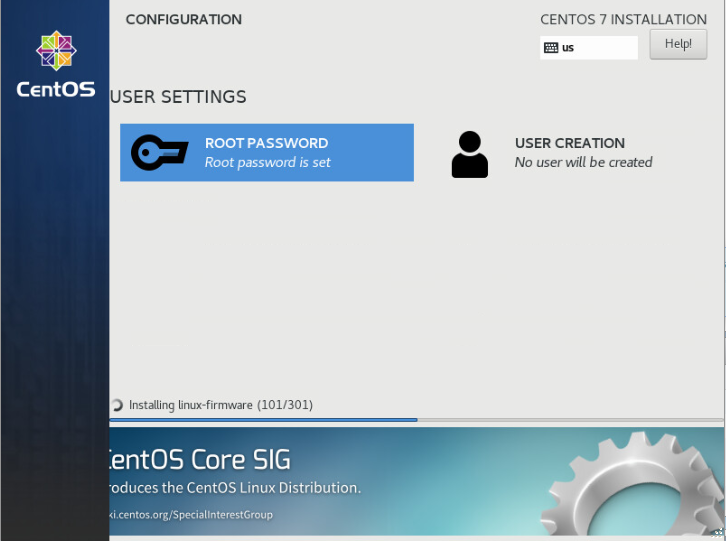
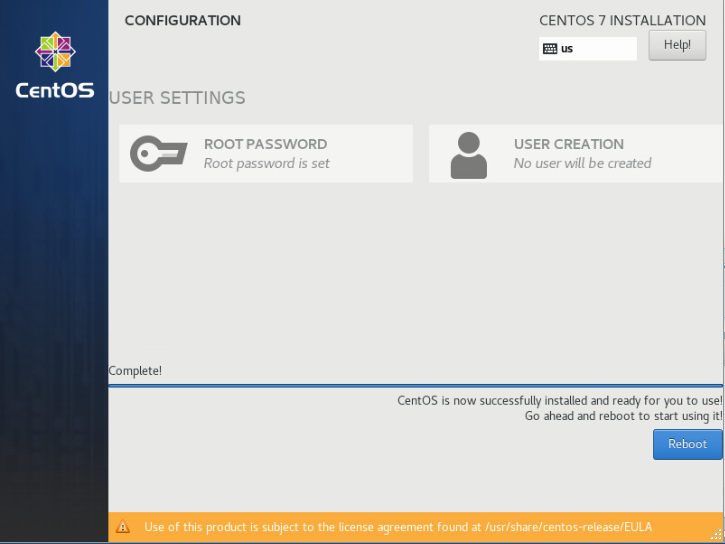
Pre-System Setup
systemctl disable firewalld
systemctl stop firewalld
systemctl disable NetworkManager
systemctl stop NetworkManager
systemctl enable NetworkManager
systemctl start NetworkManager
Get Network Interface
ip a
echo -e 'DEVICE=ens192\nBOOTPROTO=dhcp\n' >
/etc/sysconfig/network-scripts/ifcfg-ens160
Configure environment
echo -e "LANG_US.utf-8\nLC_ALL=en_US.utf-8\n" > /etc/environmentInstall Packages
yum update -y
yum install -y centos-release-openstack-rocky
yum update -y
yum install -y openstack-packstack
Install OpenStack-All-In-One
packstack --allinoneOpenStack Dashboard
# GET IP
ip a
Open http://<IP>

# GET PASS
cat keystonerc_admin | grep PASSWORD
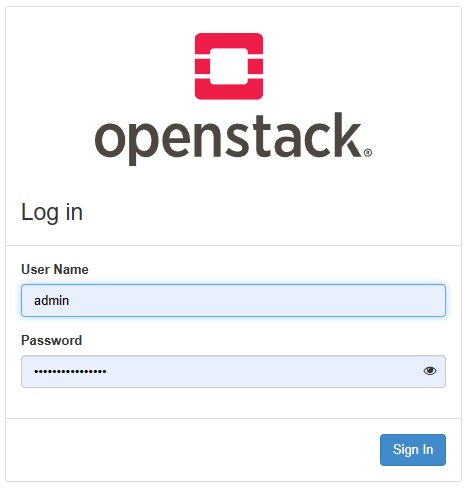
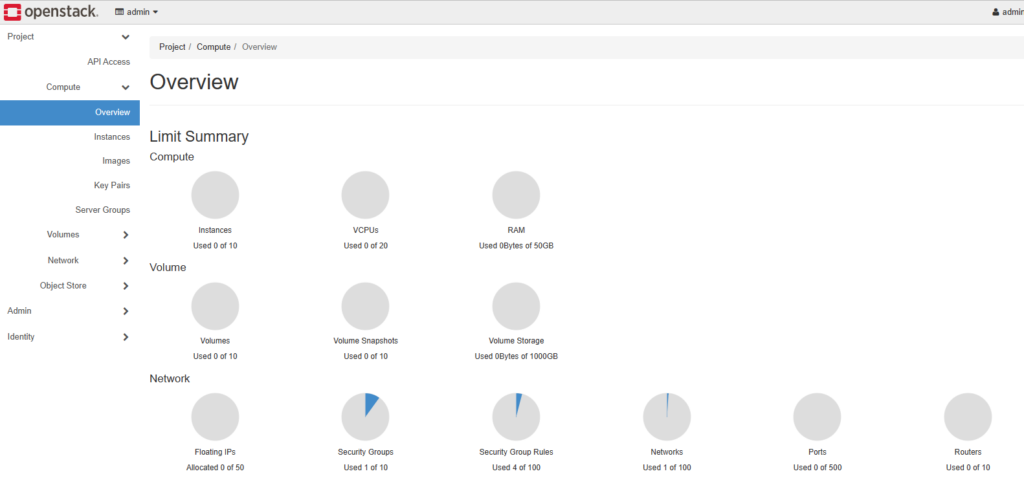
Login with admin and <PASSWORD>