

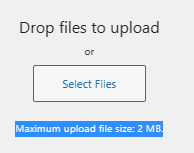
I tried creating a php.ini file within the wp-admin, but system did not pick it up.
I also tried connecting to container and updading the /usr/local/etc/php/php.ini-production which did not work either.

docker exec -it b1047c78d5f9 bash
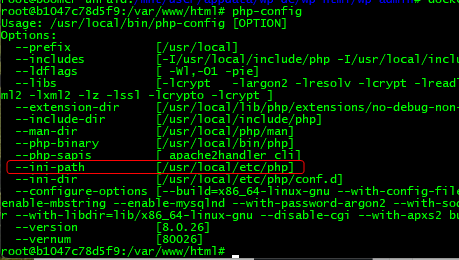

Look for upload_max_filesize…

2M matches current limit, so lets make a backup and update the settings:
upload_max_filesize 128M
post_max_size 128M
memory_limit 400M
max_execution_time 180
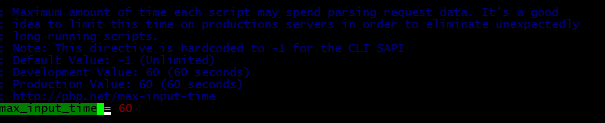
max_input_time 300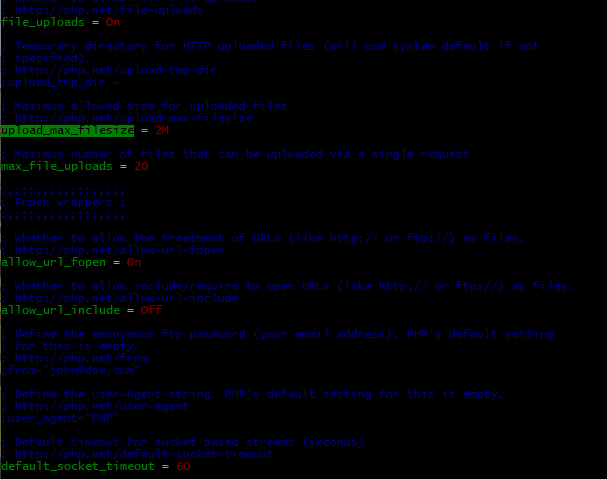

Adjust post_max_size to be the same…


NO CHANGES TO THE FOLLOWING

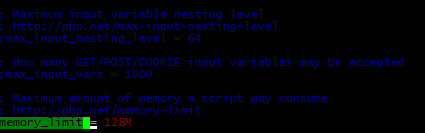
Even after restarting container, system was still showing 2M limit.
I then tried, adding a new file to /usr/local/etc/php/conf.d called php.ini.
